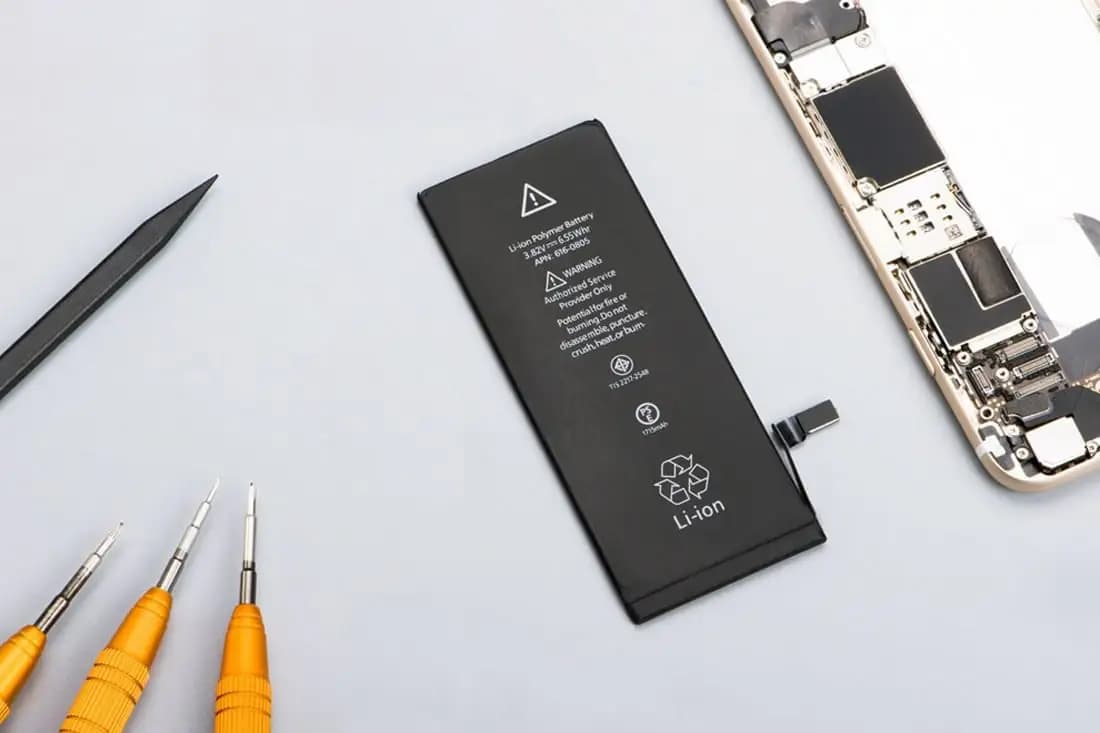
There is nothing more tedious than an iPad that is discharged every few minutes, that does not turn on or that does not charge at all. Therefore, so that you can have the power supply of the device fully operational, in any repair center for Apple Repair Zone products you will be able to change the battery of iPad Air 3 with certified technicians.
Do you want to fix the battery of your iPad Air 3 ?
How long does it take to replace the iPad Air 3 battery?
Batteries are one of the iPad components that wear out the most over time as it is a piece with a limited useful life. For this reason, changing the iPad Air 3 battery is a fairly common repair that we carry out in our technical services.
Unlike what happens in other companies, which directly offer a reconditioned equipment to save time for the consumer, in our centers we choose to change the iPad Air 3 battery in the device itself as long as the equipment does not have any other fault.
This battery change is usually done within 2 or 3 business days , as long as we have the component in stock. Keep in mind that handling this type of device is certainly complex and requires more labor time than a technician might need to repair other Apple products such as iPhones or even Macs.
How much does it cost to change the iPad Air 3 battery?
Transparency and good work are some of the maxims of iFixRapid technical services and, for this reason, we offer our consumers an online budget system so that they can check the price of changing the iPad Air 3 battery without obligation .
The final cost appears at the bottom of this same page and already includes the price of the iPad Air 3 battery , labor, taxes and discounts applied (if any).
iPad Air 3 battery issues
Before approaching a technical support such as iFixRapid, our professionals recommend carrying out a series of checks since the battery failure may not be a problem directly related to the state of the component:
- Check the battery life . iPad Air 3 is designed to last up to 10 hours while surfing the web with Wi-Fi on or playing music and video files. If the duration of your equipment is significantly less, it is most likely that the battery is in poor condition or has lost some of its capacity to charge.
- Update the software . There are versions of iOS and iPadOS that manage autonomy optimization better than others. For this reason, technicians always recommend having the device updated to always have the improved version.
- Pay attention to apps . The apps that include a higher data consumption such as Netflix, Facebook or Instagram are the ones that directly affect the battery the most. In the Settings > Battery menu you can see in detail if any of the applications you use are responsible for the short battery life of your iPad.
If after reviewing the above, the battery of your iPad Air 3 continues to give you problems, it is best to go to a specialized technical service so that professionals can perform an in-depth analysis of the device and determine if it is necessary to change the iPad Air battery. 3 or if the fault comes from another component.